




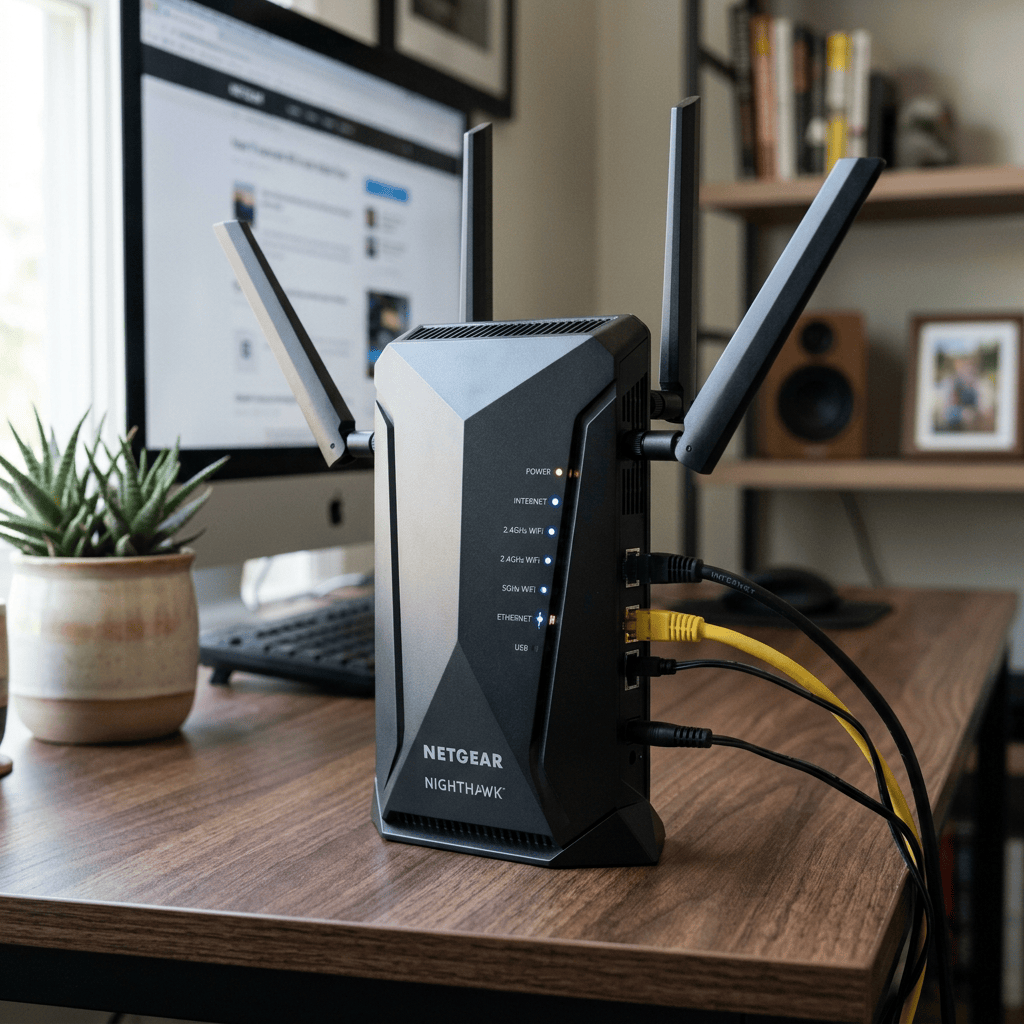
Wi-Fi quality depends on more than just internet speed or router specifications.
The radio signal gradually weakens as it passes through walls, furniture, and other obstacles. Household appliances and neighbouring wireless networks also add interference.
Alexey Yurasov, Doctor of Physical and Mathematical Sciences and Professor of the Department of Nanoelectronics at the Russian Technical University MIREA, revealed this.
Slow Internet?
This is why the internet works quickly in one room, while in another the speed drops noticeably or the connection becomes unstable, he explained.
‘Reinforced concrete walls significantly weaken Wi-Fi: concrete absorbs some of the signal, while metal reinforcement reflects it, creating areas with poor reception.

Brick walls also reduce connection quality, while plasterboard or wood partitions have a significantly lesser effect,’ the expert warned.
Mirrors
It is noted that mirrors can also degrade communication quality, but not because they are made of glass.
‘The problem is caused by the thin metal layer on their back. It partially reflects radio waves, so large mirrors, mirrored wardrobes, or decorative panels can significantly weaken the signal,’ the analyst added.
Another source of interference is household appliances, Yurasov recalled.
Microwave Ovens
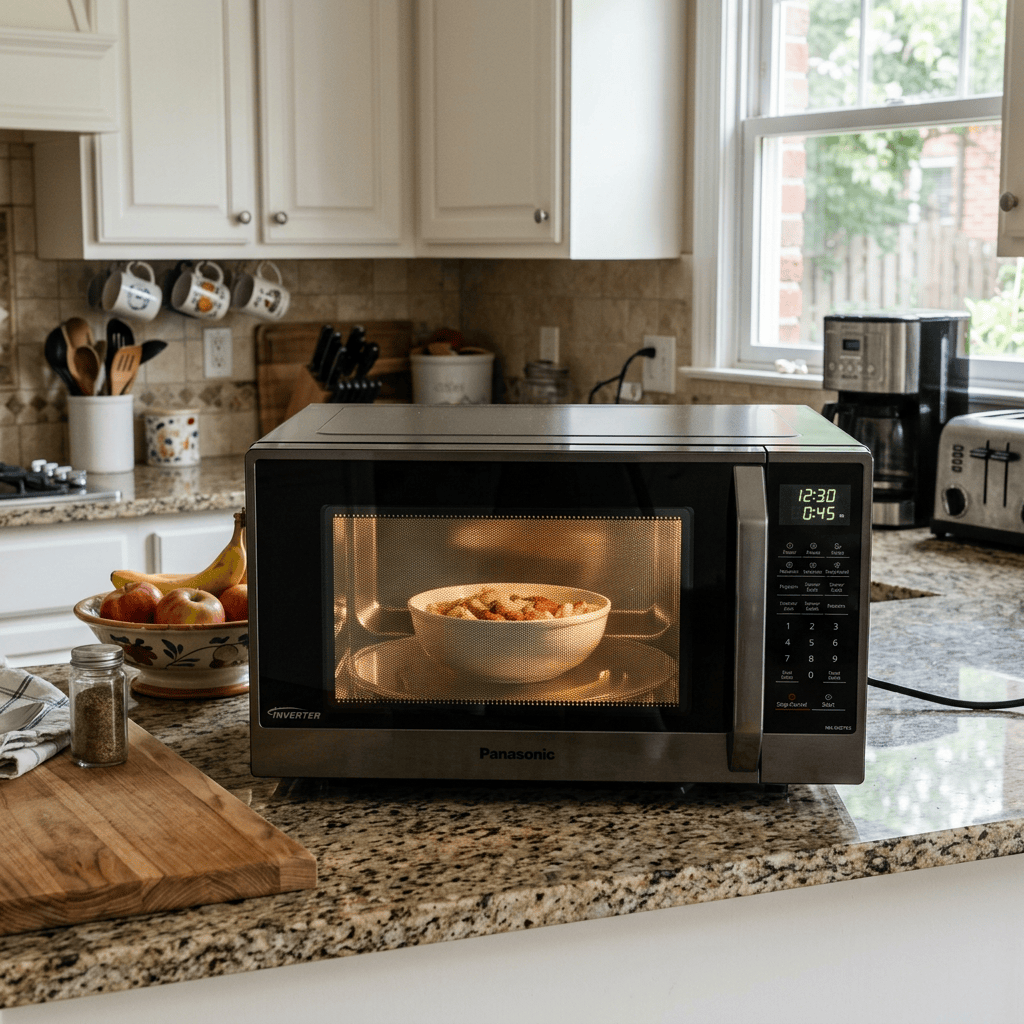
‘This is especially true for devices operating in the 2.4 GHz band, which is still widely used by home routers.
Microwave ovens, some models of baby monitors, cordless phones, CCTV cameras, and smart home devices use the same frequency range and can cause interference.
When these devices are active, the internet sometimes slows down, latency increases, and connection stability decreases,’ the expert explained.
Neighbors Networks
According to him, an equally common reason is the large number of neighboring networks.
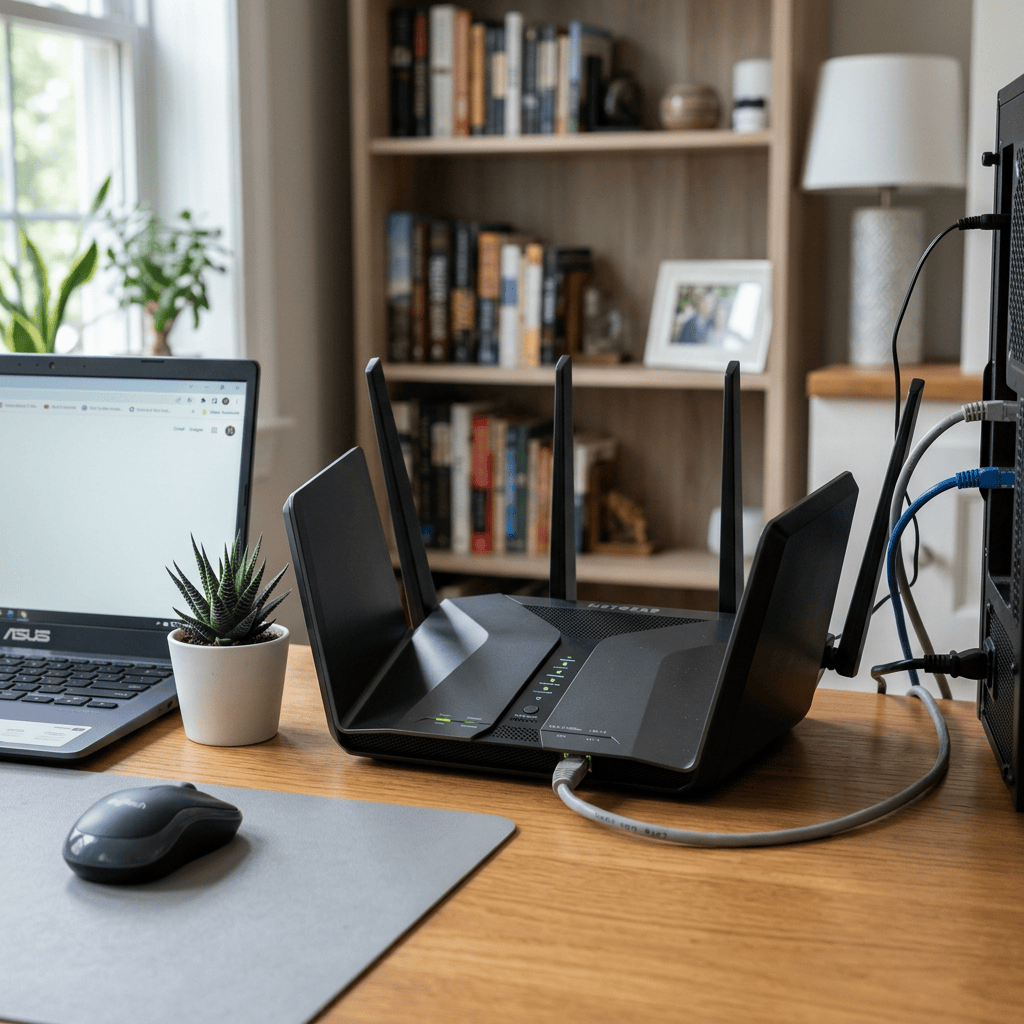
‘In apartment buildings, dozens of routers operate simultaneously and often use the same radio channels. This forces devices to take turns transmitting data, which reduces actual speed and increases response times. This situation is especially common in modern residential complexes with high apartment density,’ he added.
Connection Problems Resolved
It is noted that in many cases the problem can be solved without replacing the router.
‘It’s best to install it closer to the center of the apartment, not hide it in a closet or niche, and avoid placing it near large metal objects. If the equipment supports the 5 GHz band, it’s best to use it—it’s usually less congested with neighboring networks and provides higher speeds,’ the specialist explained. Let readers know what you think

THANK YOU FOR SHARING WITH FRIENDS AND SOCIAL MEDIA.
Share this:

Categories: Readers Coffee Shop



The Winston Smith lived here apartment with multiple cameras.
Find the place where camera doesn’t reach.
Orwell and Huxley sat in with Fabian Socialists?
LikeLike